
Change Your Engagement Survey Schedule
Choose which month your engagement survey runs.
The engagement survey is the one survey whose timing you control. New-hire, anniversary, and exit survey timing relative to start and end dates and vary by employee.
Note: Only Retain Administrators can change the schedule.
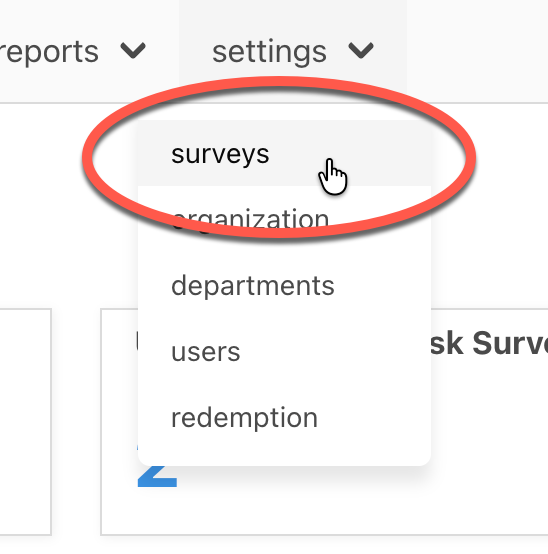
In the top menu, open settings, then surveys.
On the Schedule tab, find Engagement Surveys. This section shows the month your survey runs and when your next one is scheduled to begin.

Select edit schedule.

In the Engagement Survey Setup window, pick the month you want from the dropdown.

Under Follow-Up Surveys, choose one:
- A shorter follow-up survey between yearly engagement surveys (recommended).
- The full engagement survey twice a year, six months apart.
- A yearly engagement survey only, with no follow-up.

The window will reflect the dates you set. Review to make sure that's what you want. Then, select save to finish.

Keep in Mind
- The engagement survey opens on the first business day of the month you pick and stays open for about a month. The exact number of days varies a little: the first business day shifts when the 1st lands on a weekend or holiday, and months differ in length.
- If you see a note that engagement surveys are turned off, they aren't enabled for your organization yet — contact customer support to turn them on.
- Only the engagement survey's month can be changed. To plan around it, see plan your engagement survey.