
Choose Which Surveys Your Org Sends
Turn each Retain survey on or off for your organization.
Retain can send several kinds of surveys, and you choose which ones your organization uses. You can also see which ones are turned on or off.
Note: Only Retain Administrators can change these settings.
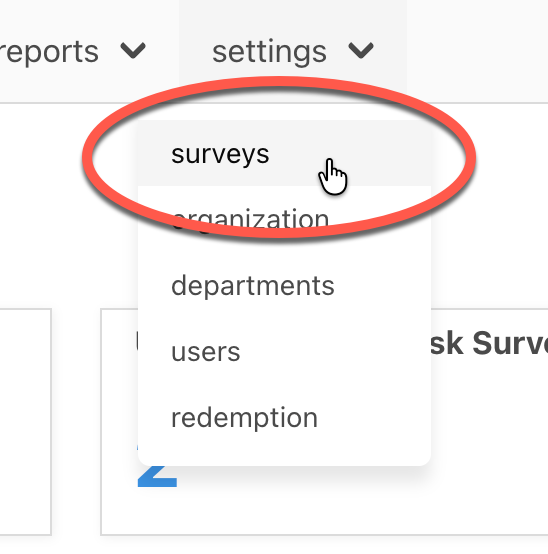
In the top menu, open settings, then surveys.
On the Schedule tab, find the survey you want to change. Each one has a short description and a more info link. Surveys that you're currently sending are checked.

Check the box to turn a survey on, or uncheck it to turn it off, then select save.

This will open a confirmation box. Select save to commit.

The surveys you can turn on or off:
- New-Hire Surveys — short surveys sent to new hires at set milestones.
- Engagement Surveys — sent to all employees. You can also set which month it runs.
- Ongoing Engagement Survey — a monthly survey sent to a small share of employees at each location.
- Exit Surveys — a one-time survey sent when an employee leaves.
- Anniversary Surveys — sent on each employee's work anniversary.
For what each survey asks, see about surveys.
Keep in Mind
If a survey shows a message that it's turned off and to contact support, it isn't available on your current plan — contact support to turn it on.
